
 Cyotek Spriter
Create sprite sheets and dynamic text effects for HTML, games, toolstrips, and more
Cyotek Spriter
Create sprite sheets and dynamic text effects for HTML, games, toolstrips, and more
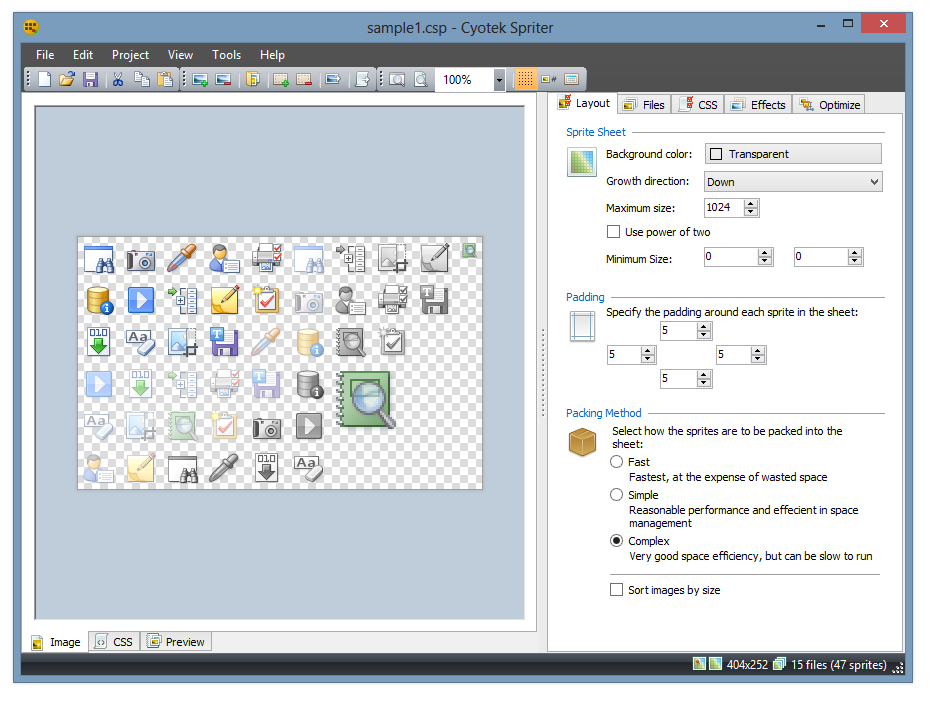
Cyotek Spriter is a free application for creating sprite sheets and individual sprite graphics.
Use Spriter to create a single sprite sheet from multiple image sources, generate appropriate CSS classes via an easy to use template system. If you have existing sprite graphics, apply post process effects such as rotation, resizing or recolouring without touching the original image. Generate text effects on the fly in a variety of styles including outlining or glowing. Then when you're done, export everything either into individual sprites, or composite sprite sheets.
Minimum Requirements
- Windows 10, 8.1, 8, 7, Vista SP2
- Microsoft .NET Framework 4.6
- 20MB of available hard disk space
Donate
This software may be used free of charge, but as with all free software there are costs involved to develop and maintain.
If this site or its services have saved you time, please consider a donation to help with running costs and timely updates.
Donate